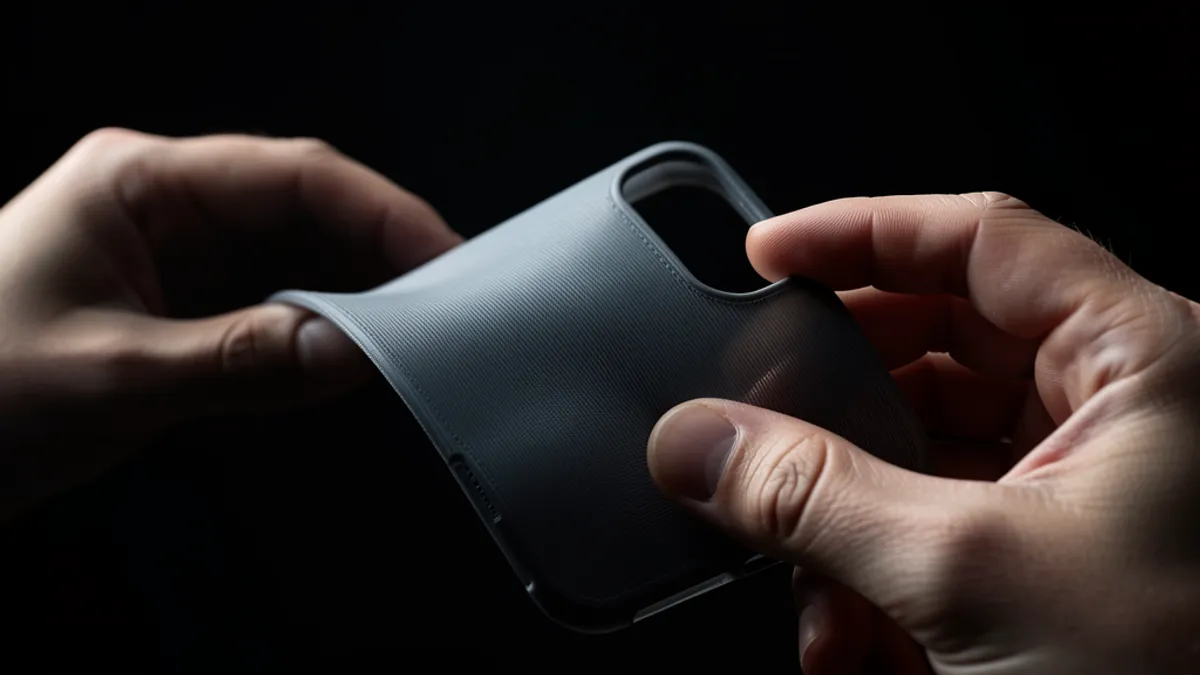
TPU (Thermoplastic Polyurethane) is the go-to filament when you need parts that bend, stretch, and absorb impact. Phone cases, gaskets, drone parts, shoe soles — if it needs to flex, TPU is the answer.
But printing TPU is nothing like printing PLA. It's soft, stretchy, and hates fast movements. Feed it too quickly and it buckles inside the extruder. Print it wet and you get bubbles and weak layers. Get the settings right, though, and TPU produces remarkably tough, professional parts that no other filament can match.
What Makes TPU Different
Understanding shore hardness and how it affects printability.
TPU belongs to the TPE (Thermoplastic Elastomer) family. What sets it apart from rigid filaments like PLA or PETG is its elastic behavior — it stretches under load and returns to shape. The key spec you need to understand is Shore Hardness.
Shore hardness measures how much a material resists indentation. TPU uses two scales: Shore A (softer, for flexible filaments) and Shore D (harder, for semi-rigid materials). A 95A TPU is considerably harder than an 85A TPU — and much easier to print. The hardness hierarchy from hardest to softest: 77D > 70D > 68D > 55D > 95A > 90A > 85A > 83A > 80A > 75A > 70A.
Critical rule: For reliable printing on most consumer printers, stick to TPU 85A or harder. Softer TPUs (83A, 80A) tend to buckle inside the extruder because they're too flexible to push through the filament path. If you're running a direct-drive printer like a Bambu Lab X1 or H2D with a TPU-specific hotend, you can push down to 85A. Bowden setups should stay at 95A minimum.
Printer Requirements for TPU
Not every printer can handle flexible filament.
TPU demands low-resistance feeding. Every millimeter of PTFE tube, every slight bend in the filament path, every rough edge inside the extruder adds friction — and TPU will find the weakest link.
Direct drive extruders are strongly preferred. The short distance between the drive gears and the hotend means less opportunity for the filament to compress and buckle. Bowden setups can work with 95A TPU if the tube is high-quality (Capricorn XS) and the path is straight, but it's always a compromise.
Nozzle size matters. TPU 85A cannot use 0.4mm nozzles or any 0.2mm nozzle — the back pressure is too high. Minimum 0.6mm for 85A. TPU 90A and harder can use 0.4mm. Avoid used nozzles with carbon fiber or glass fiber residue — they increase feed resistance. Either use a fresh nozzle or perform multiple cold pulls before loading TPU.
All-metal hotends are recommended. The PTFE-lined heat breaks in budget hotends can degrade at TPU temperatures (220-240°C) and add friction. If your printer has a PTFE-lined hotend, keep temperatures at the lower end of the range.
Optimal Print Settings for TPU
Speed, temperature, retraction — the numbers that actually work.
TPU settings break every habit you've built with PLA and PETG. Slow it down. Cut the retraction. Dry the filament. Here are proven starting points:
- Nozzle temperature: 220-240°C (start at 230°C for 95A, 225°C for 85A)
- Bed temperature: 35-50°C (TPU doesn't warp much — a warm bed helps first-layer adhesion but too hot makes removal difficult)
- Print speed: 20-30 mm/s for all features (perimeters, infill, top/bottom). Yes, everything. TPU doesn't do speed.
- Volumetric flow: cap at 3.0-3.5 mm³/s. In Bambu/Orca slicer, set this in the filament profile — it automatically limits speed to stay within the flow cap.
- Retraction distance: 0.5-1.5mm for direct drive. Disable retraction entirely if you're getting jams — the wipe settings can handle stringing better than retraction can.
- Retraction speed: 20-25 mm/s. Fast retraction stretches the filament instead of pulling it.
- Cooling fan: 30-50% after layer 3. Too much cooling kills layer adhesion. Too little and overhangs sag.
- Build surface: Textured PEI or smooth PEI with a glue stick release layer. TPU bonds too well to smooth PEI and can tear the sheet on removal.
Drying TPU — Non-Negotiable
Wet TPU is the #1 cause of failed flexible prints.
TPU is hygroscopic — it absorbs moisture from the air. Printing wet TPU produces three distinct problems: stringing between features, small bubbles or pops from the nozzle (steam explosions), and weak layer adhesion that causes delamination under stress.
Dry TPU before every print session. Recommended: 65-70°C for 6-8 hours in a filament dryer or printer enclosure. If you're using AMS 2 Pro or AMS HT on a Bambu Lab printer, use the built-in drying function. For other setups, a dedicated filament dryer like the Sunlu S4 or Eibos Polyphemus works well.
During long prints, keep the filament in a sealed dry box feeding directly to the extruder. A cereal container with desiccant and a PTFE tube outlet costs under 10€ and eliminates mid-print moisture absorption.
Frequently Asked Questions
Can I print TPU on a Bowden extruder?
Yes, but only with 95A or harder TPU. Use a Capricorn XS tube with tight tolerances, keep the filament path as straight as possible, and disable retraction. Expect slower speeds and more stringing than a direct drive setup.
Why does my TPU jam in the extruder?
Three common causes: filament is too soft for your setup (switch to 95A), print speed exceeds the volumetric flow limit (cap at 3.5 mm³/s), or the nozzle has residue from previous filaments increasing friction (do a cold pull).
What bed surface should I use for TPU?
Textured PEI is ideal — good adhesion, easy removal. Smooth PEI works but <em>must</em> have a release agent (glue stick) applied first — TPU can bond so strongly to smooth PEI that it tears the coating off.
Can TPU be used for waterproof parts?
Yes. TPU is naturally water-resistant and with proper settings (higher temperature, slower speed, wider extrusion width), you can print vase-mode containers and gaskets that hold water. Increase extrusion width to 0.6-0.8mm for better layer bonding on waterproof prints.
How do I reduce stringing with TPU?
Dry the filament first — wet TPU strings dramatically more. Then: disable or minimize retraction (0.5mm max), enable coasting/wipe in your slicer, and lower the nozzle temperature by 5°C increments until stringing decreases without compromising layer adhesion.
Need Flexible Parts Printed?
TPU can be finicky. Let us handle the setup. Send us your file and we'll print it on calibrated equipment with the right settings from the start.
Request a Free Quote